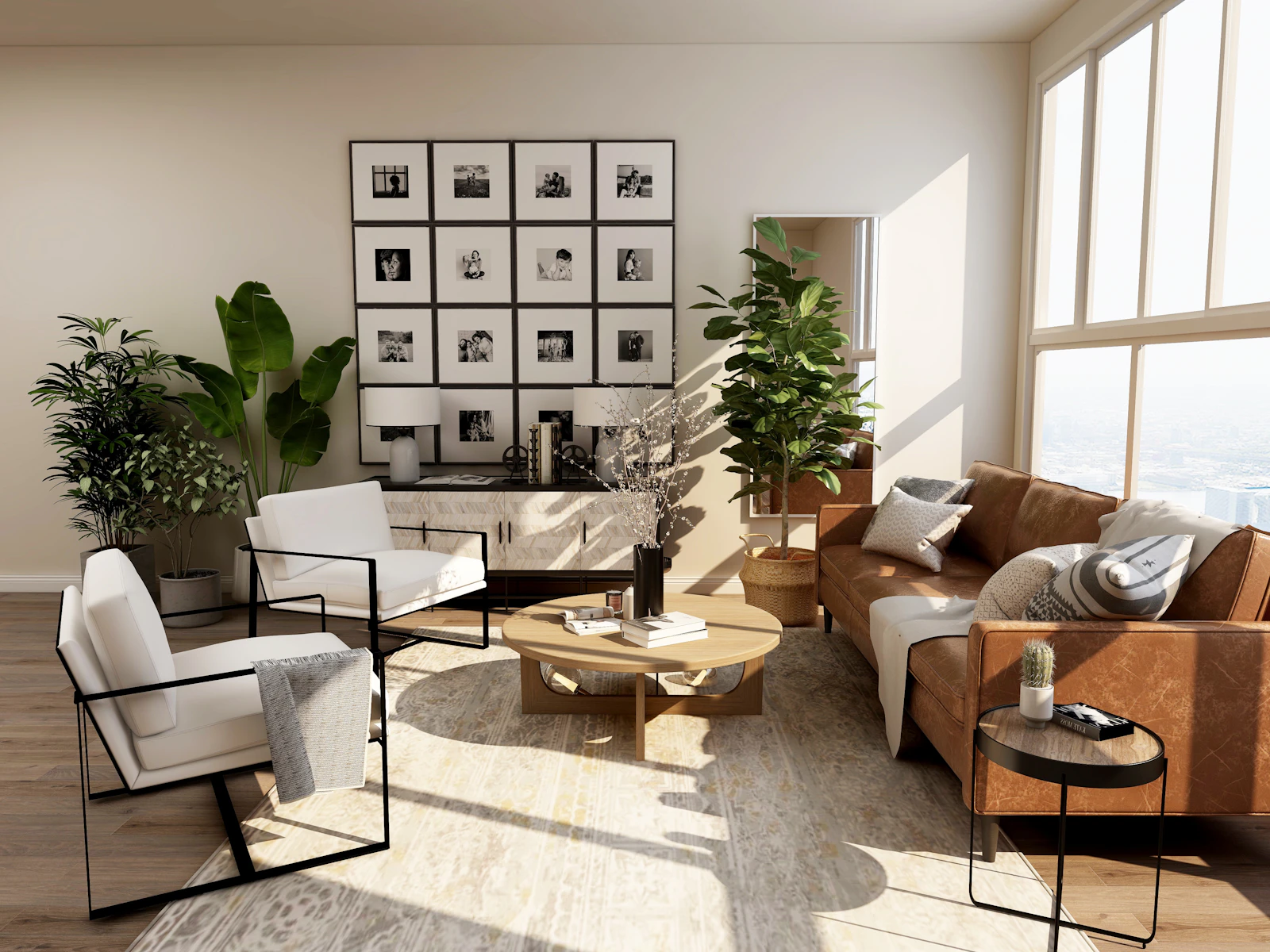
Pinterest vs Houzz vs AI: Which One Shows Your Actual Room?
Pinterest boards, Houzz ideabooks or an AI room designer? What each is good at, where each stops, and how to turn saved pins into a picture of your own room.
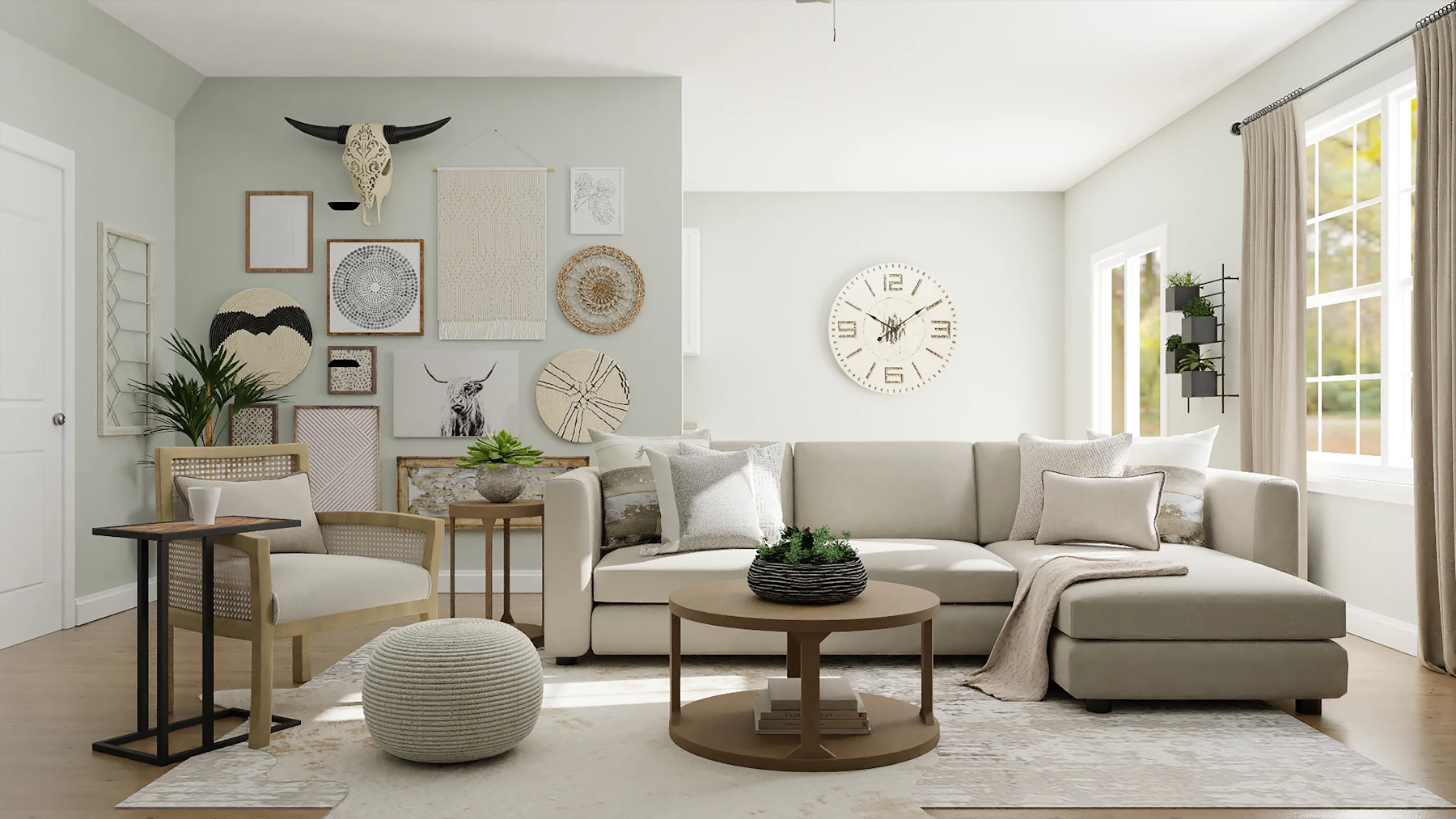
Everyone who has redecorated in the last ten years has the same folder somewhere: 300 saved pins, a Houzz ideabook called “kitchen???”, and a vague sense that none of those rooms look like theirs. Your ceiling is lower. Your window is in the wrong place. The light comes from the north. The question stops being “what do I like?” and becomes “will that actually work here?”
That second question is where the money goes. The 2026 U.S. Houzz & Home Study, based on more than 20,000 homeowners, found median renovation spend held at $20,000 in 2025, and 37% of homeowners went over budget, slightly more than the 35% who came in on target. Among the reasons: 35% chose higher-end materials than planned and 31% expanded the scope midway. Planning also takes longer than building: kitchens average 9.5 months of planning against 5.8 months of construction.
So it is worth being honest about what each tool in that planning stage actually does. I’m Daniel Htut, CEO of BasedFrame. We make a photo-based AI room designer, so I am biased. Every outside figure below comes from the company’s own newsroom, press page or study, and I’ll say plainly where Pinterest or Houzz is the better tool.
The short answer
- You don’t know what you like yet: start on Pinterest. It is the widest net, and it is good at surfacing styles you didn’t have a name for.
- You know the look and need real products, photos of finished projects or a local pro: use Houzz. Its photos skew toward professionally designed rooms, and it connects them to products and people.
- You need to see that look in your own room before you spend: use a photo-based AI room designer. It is the only one of the three that starts from a photo of your room.
Most people end up using all three, in that order.
Side-by-side comparison
| Houzz | Photo-based AI (e.g. BasedFrame) | ||
|---|---|---|---|
| What it is | Visual search and saving platform | Home design photos, products and pros | Generates a new version of your room photo |
| Scale | 661 million monthly active users | 25 million+ photos of designed interiors and exteriors | Works on one photo at a time: yours |
| Starts from | A search or your saved pins | A search, a room category or a pro’s portfolio | A photo of your room, plus a style, prompt, reference photo or moodboard |
| Shows your actual room | No | Only one product at a time, via View in My Room 3D | Yes, it keeps your walls, windows and light |
| AI features | Pinterest Assistant (product and idea suggestions based on your saves and boards) | AR product preview in the app; AI tools for pros in Houzz Pro | Redesign, style transfer, moodboard to room, furniture swap, paint, flooring |
| Shopping | Product suggestions; Compare in the US; Wishlists in a US and Canada iOS test | Buy products in the app | No store; it shows the look, you source the pieces |
| Cost to try | Free | Free to browse | 30 free credits, then from $49/month (pricing) |
| Best for | Finding a direction | Finding products and pros | Checking the direction in your room |
Pinterest: the best place to find a look
Pinterest is enormous. Its business audience page puts it at 661 million monthly active users, with Gen Z making up 50% of its global user base and the audience 70% women and 30% men. It also says 96% of top searches are unbranded, which is the important part for decorating: people come before they know what to buy.
It is also very good at trend-spotting. Pinterest’s 2026 Predicts report says its forecasts have been 88% accurate over six years, and its 2026 list includes home trends such as Afrohemian Decor, FunHaus (circus-inspired stripes and sculptural shapes) and Neo Deco (chevrons and fan arches edged in chrome or brass). Even Pinterest frames the year around “curating, not copying”: 42% of its global respondents say they only join trends that suit them.
Pinterest has also moved into AI. In October 2025 it launched Pinterest Assistant, which draws on your saves, boards and collages to suggest things like throw pillows that “match my living room decor.” In November 2026 Pinterest said the Assistant is fully ramped on iOS in the US, and added Compare, which shows similar products side by side with price, availability and reviews.
Where it stops: every image is someone else’s room. Pinterest Assistant recommends products that fit your taste; it does not redraw your living room with them. A pin of a Neo Deco dining room was shot with a wide lens, in a big room, with styled light. Yours may be 11 feet wide with a radiator under the window.
Houzz: the best place to find parts and people
Houzz is narrower and more practical. Per its own press page, it has more than 25 million photos of professionally designed interiors and exteriors and more than 3 million home remodeling and design professionals. That makes it better than Pinterest for “what did a real designer do with a narrow galley kitchen?” and for finding the person who did it.
Houzz was also early to in-room previews. Its View in My Room 3D tool, launched in its iPhone and iPad app in 2017, lets you place true-to-scale 3D models of products from its catalog in your room through the camera, then save the view to an ideabook. Houzz said at the time that people who used it were 11 times more likely to purchase.
Where it stops: AR preview shows a product in your room, not a new room. It is great for “does this vanity fit?” and weak for “what if the whole room went warm minimal with limewash walls?” The AI features Houzz highlights in its 2026 research sit in Houzz Pro, its software for professionals, covering estimates, takeoffs, messaging and visualization.
AI room design: the only one that starts from your photo
A photo-based AI room designer flips the process. Instead of searching for rooms like yours, you upload yours and ask for the look. The architecture, window positions and light stay; furniture, finishes and color change. You get an image in about a minute and can run variations until one sticks.
This is how homeowners already use AI. The 2026 U.S. Houzz State of AI report, based on 3,149 renovating homeowners, found 22% had used AI for their projects. The most common uses were gathering ideas (64%), creating or visualizing design concepts (58%), comparing layouts, products and finishes (50%) and understanding what is possible for a space (44%). AI users moved from ideas to breaking ground in about eight months on average, against nine months for non-users. But 79% of them were using general chatbots, which are good at describing a room and much less reliable at keeping yours intact. I wrote about that gap in ChatGPT vs an AI room designer.
Where it stops: AI gives you a picture, not a shopping list, a floor plan or a contractor. It won’t measure your room, and the sofa in the render is not a SKU. That is why the same Houzz report found 80% of renovating homeowners still hire a pro. Use AI to make the decision, then Houzz or a designer to execute it.
How to turn a Pinterest board into your own room
This is the workflow I’d use, and it takes about half an hour:
- Narrow the board. Pick the 6 to 10 pins that keep showing up for the same reason. If you can’t name the style, our guide to interior design styles helps.
- Pull a palette. Grab the 3 to 5 colors that repeat across those pins. The free room color palette generator is a quick way to do that.
- Build a small collage. A clean grid of the key pieces, materials and colors works better than a crowded screenshot of your whole board.
- Photograph your room. Shoot from a corner at chest height, lights on, in daylight, with the whole room in frame.
- Run it. Upload the photo and collage to Moodboard to Room. If your inspiration is a single finished room rather than a collage, use Style Transfer with that one photo as the reference.
- Check the specific pieces. Once you like the overall look, test a real sofa or table with Furniture Swap, or compare furniture apps in our furniture visualizer roundup. Then go to Houzz or a retailer to buy.
If you’d rather hand the whole thing to a person, we compared that route in Havenly vs an AI room designer.
Which should you use?
Use Pinterest to discover. Use Houzz to find products and pros. Use an AI room designer to make sure the look you saved actually works in the room you live in, before the 37% budget-overrun statistic includes you.
You can try BasedFrame with 30 free credits, no card required: start a free account, upload one room and one board, and see whether your pins survive contact with your floor plan.
Sources
- Houzz, 2026 U.S. Houzz & Home Study press release, April 22, 2026
- Houzz, 12 Key Takeaways on AI in Home Design and Construction (2026 U.S. Houzz State of AI report), September 1, 2026
- Houzz, Houzz App Upgrades 3D Augmented Reality Tool with ARKit, September 19, 2017
- Pinterest Business, Pinterest audience and demographics, accessed November 2026
- Pinterest Newsroom, Pinterest Predicts 2026, December 9, 2025
- Pinterest Newsroom, Say hello to Pinterest Assistant, October 30, 2025
- Pinterest Newsroom, Pinterest makes holiday shopping more inspired, personal and easy to act on, November 12, 2026
Frequently asked questions
Is Pinterest or Houzz better for interior design ideas?
They overlap, but they lean different ways. Pinterest is broader and better at spotting a look you didn't know you wanted, and its new Pinterest Assistant can suggest products based on your saves and boards. Houzz is narrower and more practical: its photos are mostly professionally designed rooms, and it connects ideas to products and to local pros. Many people use Pinterest to find a mood and Houzz to find the people and parts to build it.
Can Pinterest show what a design will look like in my own room?
Not really. Pinterest shows you other people's rooms and, through Pinterest Assistant, products that match your taste. It does not take a photo of your room and redesign it. To see a pinned look applied to your own walls, windows and floor, you need a photo-based AI tool that accepts a reference image or a moodboard.
Can I turn my Pinterest board into a room design with AI?
Yes. Make a simple collage of the key pieces, materials and colors from your board, then upload it with a photo of your room to a moodboard-to-room tool. If your inspiration is one finished room photo rather than a collage, a style transfer tool that matches a single reference image usually works better.
Does Houzz have a tool to preview furniture in my room?
Yes. Houzz's View in My Room 3D, introduced in its iPhone and iPad app, lets you place true-to-scale 3D models of products from its catalog into your room through the camera and save the view to an ideabook. It works one product at a time from that catalog, so it is good for checking a specific sofa or vanity, not for restyling the whole room.
Are homeowners actually using AI to design rooms?
More than a fifth are. In the 2026 U.S. Houzz State of AI report, 22% of renovating homeowners had used AI for their projects, mostly to gather ideas (64%), visualize design concepts (58%) and compare layouts, products and finishes (50%). Adoption was highest among Millennials at 41%.
How much does it cost to try an AI room designer?
Pinterest and Houzz are free to browse. BasedFrame gives every new account 30 free credits with no card. A room redesign is 2 credits and Moodboard to Room or Style Transfer is 3, so you can test a board against your room several times before paying. Paid plans start at $49 a month for 180 credits.
Try it yourself
Tools from this guide
 3 creditsMoodboard to RoomBring a collage of pieces together in your space.Open tool →
- 3 creditsStyle TransferApply the look of a reference photo to your room.Open tool →
 2 creditsRoom RedesignRestyle any room photo in a new design style.Open tool →
 2 creditsFurniture SwapDrop a real product into your room from its photo.Open tool →
More from Resources
Keep reading
GuidesCountertop Visualizers Compared: Test Quartz Before a $4,500 SlabCambria, Caesarstone, MSI, Cosentino, real samples and AI compared: how to preview new countertops on your own kitchen before you buy a slab.→
GuidesHow to Furnish a Small Apartment with AI Before You Buy a SofaThe average new studio is 460 sq ft. Here's how to photograph your small apartment, test layouts and furniture with AI, and buy pieces that actually fit.→