Photo in.
Walkthrough out.
Turn one listing photo into a smooth, realistic walkthrough video. The camera stays in the room you shot, so buyers see the home as it is.
30 free credits · No credit card required
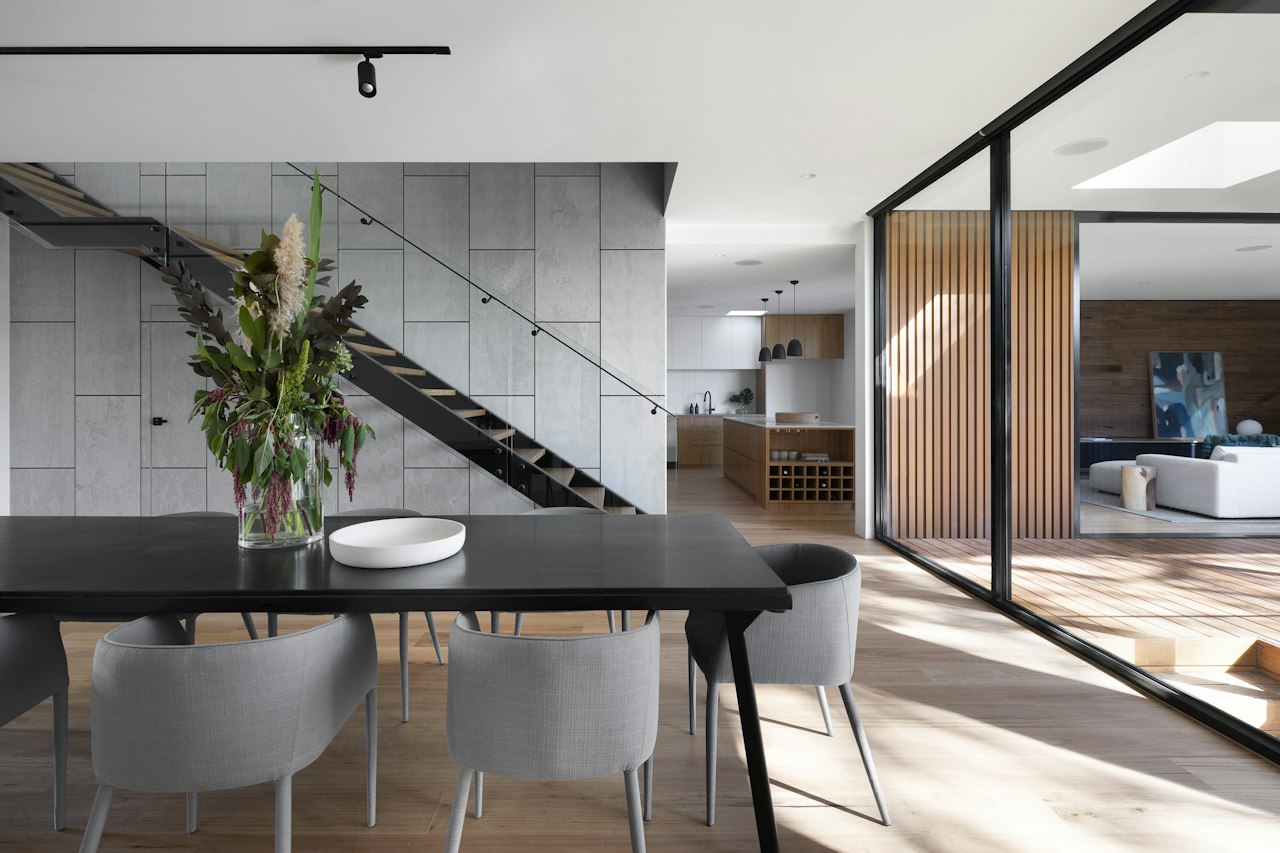 Your photo
How it works
Three steps. About a minute.
- 01
Add your photo
Upload a room photo, or import a whole Zillow listing on the canvas and pick the shot you want to move through.
- 02
Pick the move and the length
Glide, push in, pan or orbit, from 4 to 15 seconds. Add a note if you want it to end on something.
- 03
Get your walkthrough
A 720p video, ready to play and download in about a minute, beside your photo on the canvas.
The rule we won't bend
It stays in your room.
AI video tends to invent doorways and new rooms. Every walkthrough starts from strict instructions so the camera never leaves what you photographed, unless you tell it where to go.
Only what's in your photo
It moves through the room you shot. No made-up doorways, hallways or extra furniture.
Stays in the room
The camera never wanders into other spaces on its own. It only goes somewhere when you name the place.
Nothing gets restyled
Walls, floors, furniture and light stay exactly as photographed, so what buyers see is what's real.
Camera moves
Pick how the camera travels.
Glide forward
The camera glides slowly forward through the space at eye level.
Push in
A slow, steady push in toward the focal point of the room.
Pan across
A slow pan from left to right across the room, with gentle parallax.
Orbit
The camera drifts in a slight arc around the centre of the room.
Pull back
The camera slowly pulls back to reveal more of the room.
Rise
A slow crane move rising and tilting down to show the whole layout.
Pricing
Pay by the second of video.
Always 720p. You choose the length.
- 5s8 credits
- 8s13 credits
- 10s16 credits
- 15s24 credits
Plans start at 300 credits a month. See plans
Questions
Good to know.
Will it invent rooms or furniture?
No. The model is told to use only what your photo shows, to stay inside the room, and to keep everything exactly as it is. It only moves somewhere else when you write the place in the direction box, and only if the photo shows a way there.
How long does it take?
About a minute for a short clip. Longer clips take a little more.
What do I need?
One photo of a room. A bright, straight-on shot works best. You can also import every photo of a Zillow listing on the canvas and walk through any of them.
How long can the video be, and what quality?
4 to 15 seconds, always in 720p.
How much does it cost?
5 seconds is 8 credits, 8 seconds is 13 credits, 10 seconds is 16 credits, 15 seconds is 24 credits. New accounts get 30 free credits, enough to try it a few times.
Is there sound or a voice-over?
Walkthroughs are silent video: smooth camera motion with no voice-over.
Make your first walkthrough.
Start free with 30 credits. No credit card required.
Make my walkthrough