Free
$0
No credit card needed
Try every live tool before you pay
- 30 credits on sign-up
- Every live design tool
- Image, video and 3D models
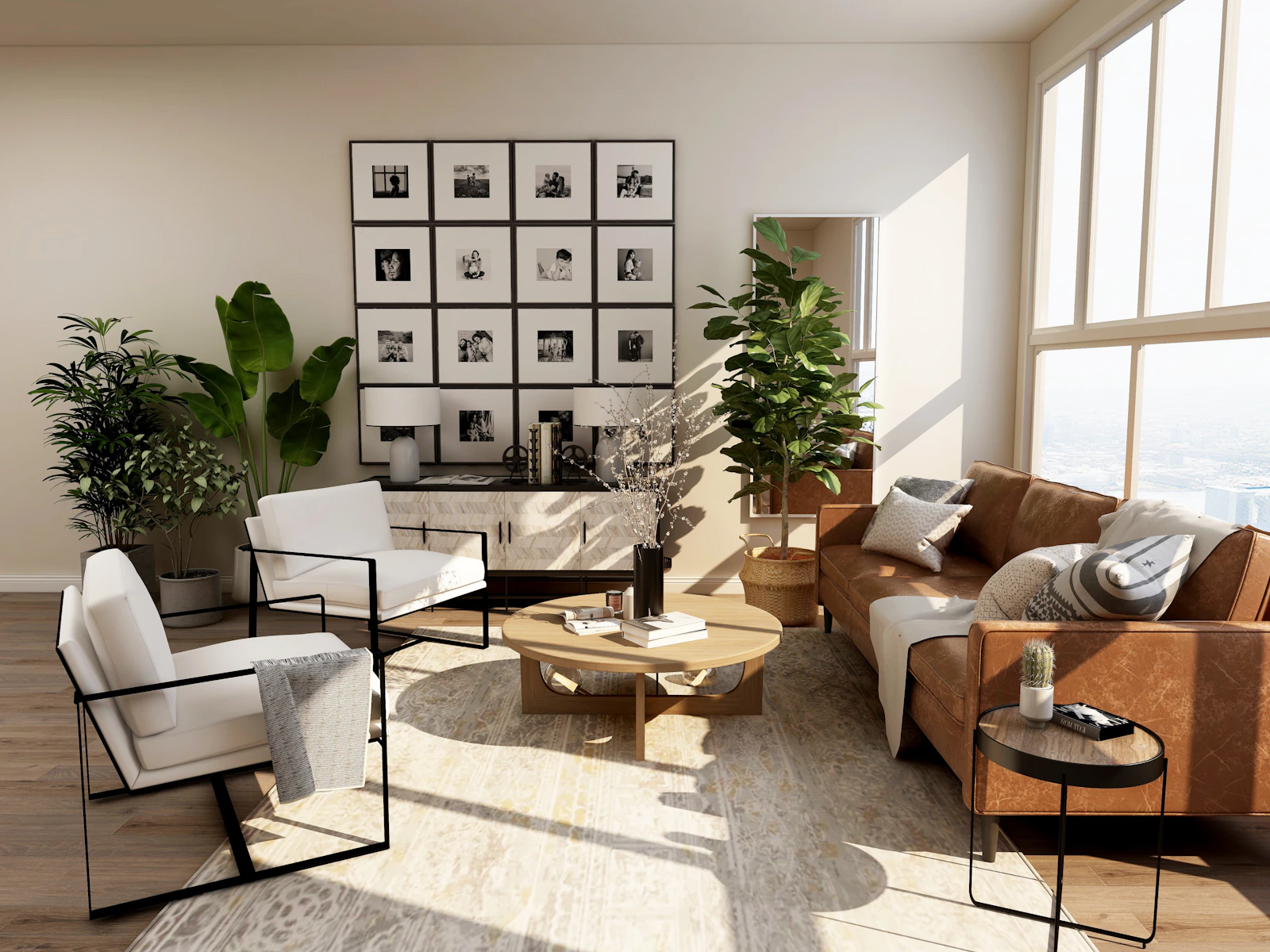
12 looks you can apply to any room photo in one click. The room stays the same; the style changes.
Try a style free30 free credits · No card needed
Low oak furniture, paper lanterns, linen, muted earth tones, negative space, wabi-sabi ceramics.
Try Japandi on your room →Clean lines, neutral palette with black accents, statement lighting, uncluttered surfaces.
Try Modern on your room →Walnut, tapered legs, organic curves, mustard and teal accents, iconic 1950s-60s pieces.
Try Mid-century on your room →Monochrome plaster tones, concealed storage, few sculptural objects, very calm.
Try Minimal on your room →Exposed brick and steel, concrete, worn leather, factory pendants, black metal frames.
Try Industrial on your room →Whitewashed timber, rattan, linen slipcovers, sandy neutrals with soft blues, breezy light.
Try Coastal on your room →Layered vintage rugs, plants, rattan, terracotta and ochre, collected eclectic decor.
Try Bohemian on your room →Geometric patterns, brass and marble, velvet upholstery, jewel tones, fluted details.
Try Art Deco on your room →Shiplap, reclaimed beams, matte black hardware, apron sink, cosy neutral textiles.
Try Modern Farmhouse on your room →Limewashed walls, arches, terracotta tile, olive wood, wrought iron, sun-baked palette.
Try Mediterranean on your room →Bouclé and cashmere, travertine, bronze, bespoke joinery, layered indirect lighting.
Try Quiet Luxury on your room →Tools
Every style costs the same. Start free, then pick a plan.
$0
No credit card needed
Try every live tool before you pay
$49$44/mo
Billed monthlyBilled $529 yearly
For agents and designers getting their first listings and rooms done.
Recommended
$110$99/mo
Billed monthlyBilled $1,188 yearly
Everything in Startup, plus
$499$449/mo
Billed monthlyBilled $5,389 yearly
Everything in Pro, plus
FAQ
Open a tool that uses styles, such as Room Redesign, Virtual Staging, Sketch to Render, upload a photo and pick a style. The result keeps your room's walls, windows and layout.
Yes. Write your own description in the prompt box, or use Style Transfer to copy the look of a reference photo.
No. Styles change furniture, colour, materials and decor. Walls, windows, doors and the camera angle stay as photographed.
No. The style does not change the price. The price depends on the tool and the AI model you pick. New accounts start with 30 free credits.
Start with a Zillow link or a single photo. Redesign, stage, relight and walk buyers through every room, ready to list today.