Free
$0
No credit card needed
Try every live tool before you pay
- 30 credits on sign-up
- Every live design tool
- Image, video and 3D models

Turn a photo of a single furniture item into a 3D model.
Try Image to 3D free30 free credits · No card needed
What it does
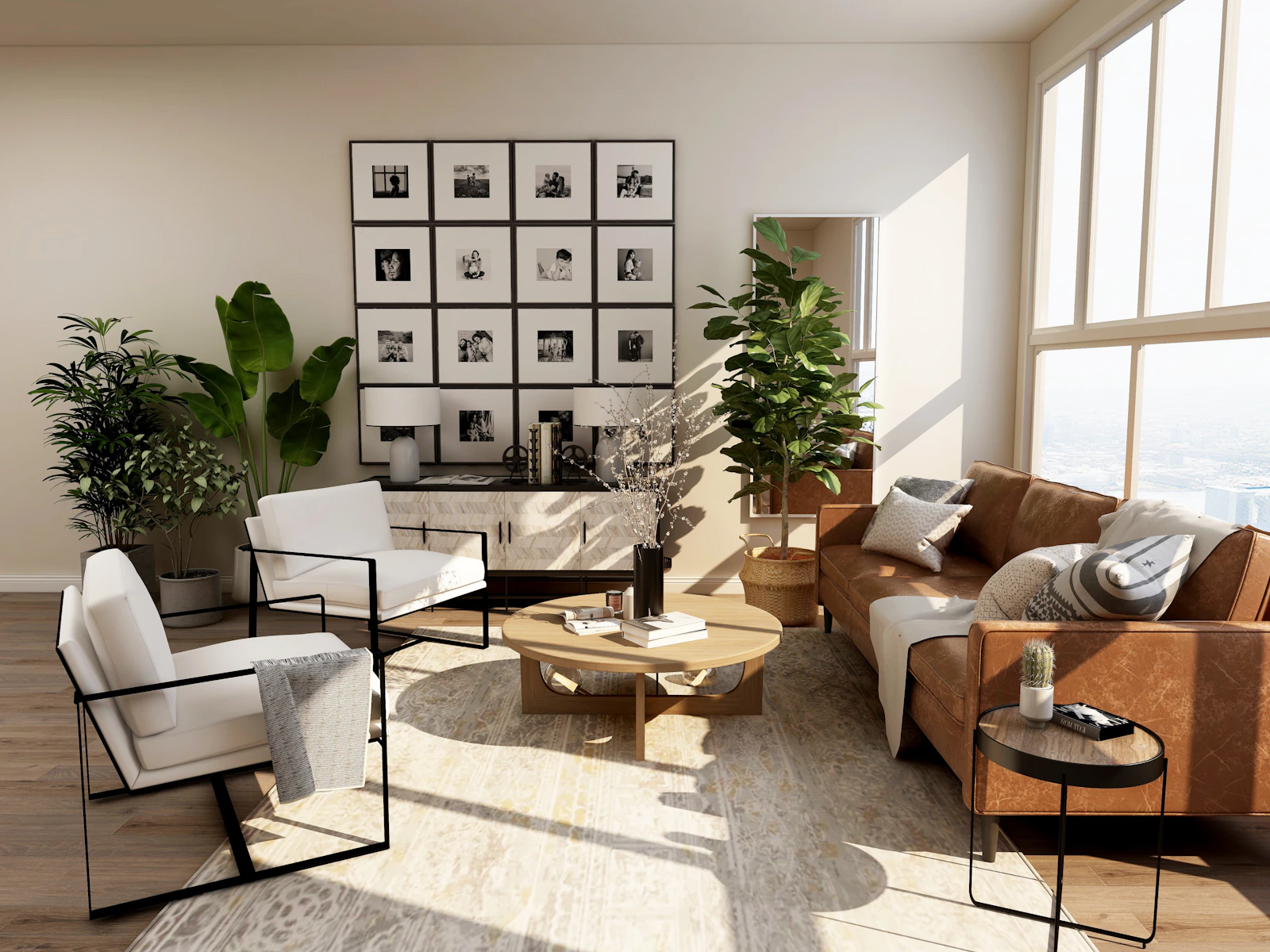
Image to 3D builds a 3D model from a photo of a single object, such as a chair or a lamp. You can turn the model around on the canvas and download it as a GLB file. Choose between Tripo v2.5, Tripo P2 and Meshy 6.
Use cases
Create a model of a furniture item for a product page or viewer.
Let a client turn a proposed piece around instead of studying a single photo.
Get a quick 3D asset for a concept scene.
How it works
Image to 3D is 4 credits per render. Start free, then pick a plan.
$0
No credit card needed
Try every live tool before you pay
$49$44/mo
Billed monthlyBilled $529 yearly
For agents and designers getting their first listings and rooms done.
Recommended
$110$99/mo
Billed monthlyBilled $1,188 yearly
Everything in Startup, plus
$499$449/mo
Billed monthlyBilled $5,389 yearly
Everything in Pro, plus
FAQ
A GLB file, which opens in most 3D viewers and tools, plus a preview image on your canvas.
A single object on a plain background, in focus and fully visible. Several objects or a busy scene give poor models.
Tripo v2.5 is the quick, low-cost default. Tripo P2 is its highest-detail model and Meshy 6 targets production-ready geometry and textures. The picker shows each price.
Image to 3D is 4 credits on Auto, with Tripo P2 and Meshy 6 costing more. You start with 30 free credits.
Keep exploring
6 creditsRoom to 3DTurn a whole room photo into a 3D cutaway model you can orbit.Open tool → 2 creditsBackground GeneratorPut a product photo into a styled room scene.Open tool →
 2 creditsFurniture SwapDrop a real product into your room from its photo.Open tool →
 GuidesHow to Remodel Zillow Listing Photos with AIPaste a Zillow link, get every photo sorted by room, then change floors, walls, cabinets or whole rooms with a click. A step-by-step guide with credit costs.→
 Real estateVirtual Staging for Real Estate: The Complete GuideWhat virtual staging is, how it compares to physical staging, when to use it, and how to stage a listing photo with AI in minutes, step by step.→
 Design styles12 Interior Design Styles Explained, with ExamplesJapandi, Scandinavian, Mid-century, Industrial, Art Deco and more: the materials, colours and furniture that define 12 popular interior design styles.→
Start with a Zillow link or a single photo. Redesign, stage, relight and walk buyers through every room, ready to list today.