Free
$0
No credit card needed
Try every live tool before you pay
- 30 credits on sign-up
- Every live design tool
- Redesign, stage and relight rooms
- Import Zillow listings
- Image, video and 3D models
- No credit card needed

Click a spot on any photo and say what should change there.
Try Point and Edit free30 free credits · No card needed

What it does
Point and Edit lets you click directly on a photo and write what should change at each point. Every instruction applies only to the object under its marker, and the rest of the photo stays faithful to the original.
Use cases
Swap a dated light fitting or remove a stray object without redoing the whole photo.
Try a new chair, rug or tap in a client's real room.
Place multiple points with their own instructions in a single edit.
How it works
Point and Edit is 1 credit per render. Start free, then pick a plan.
$0
No credit card needed
Try every live tool before you pay
$49$44/mo
Billed monthlyBilled $529 yearly
About 90 room redesigns a month
What's included:
Recommended
$110$99/mo
Billed monthlyBilled $1,188 yearly
About 225 room redesigns a month
All Startup features, plus:
$499$449/mo
Billed monthlyBilled $5,389 yearly
About 1,250 room redesigns a month
All Pro features, plus:
FAQ
It is told to leave everything outside the marked areas faithful to the original. The markers themselves are removed from the result.
Several. Each point carries its own instruction and applies only to the object under it.
Point and Edit is driven by clicks on the photo, which makes small, targeted changes easy. Magic Edit works from a written instruction for the whole image.
Point and Edit is 1 credit on Auto, with 9 AI models available in the picker. New accounts get 30 free credits, no card needed.
Keep exploring
 1 creditMagic EditDescribe a change and watch it happen.Open tool →
 2 creditsFurniture SwapDrop a real product into your room from its photo.Open tool →
 1 creditListing RemodelImport a Zillow listing and change any finish in any room.Open tool →
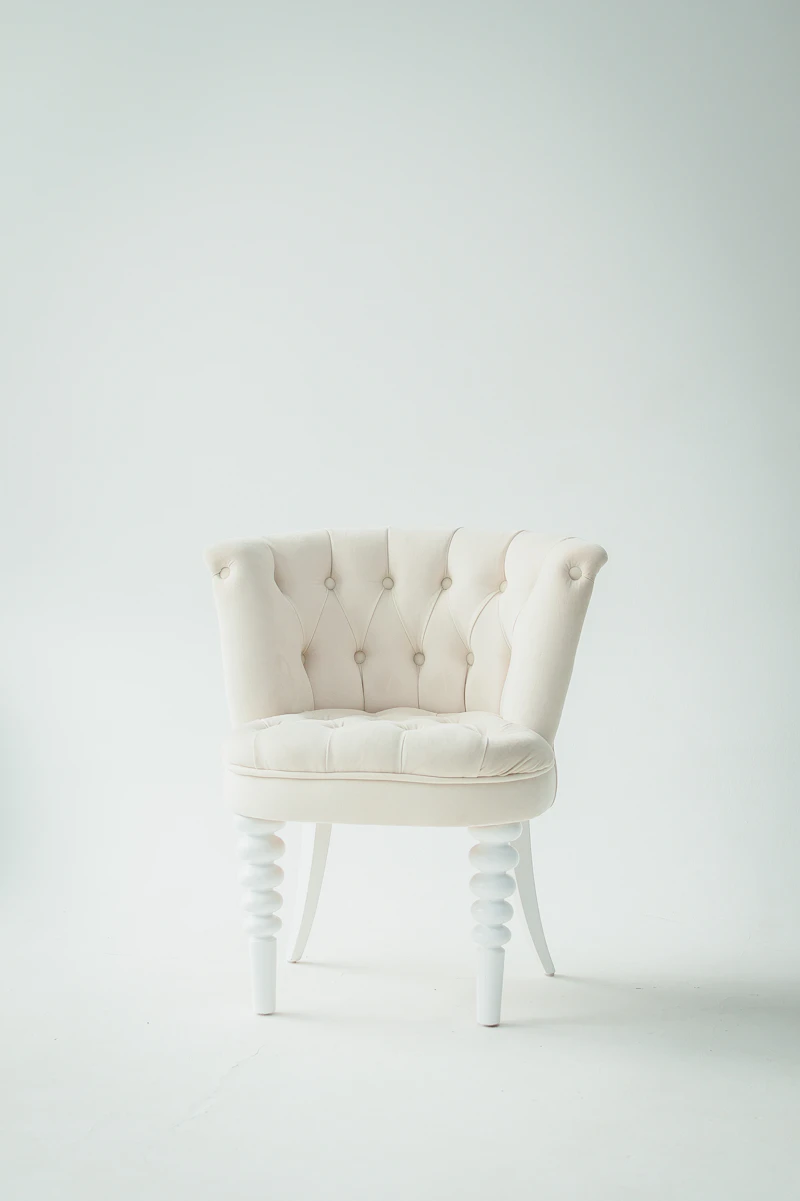 GuidesHavenly vs an AI Room Designer: Is $159 a Room Worth It?Havenly's online design is listed at $159 a room, or $89 on the current sale. Here's what a human designer, Havenly AI and a dedicated room tool each do.→
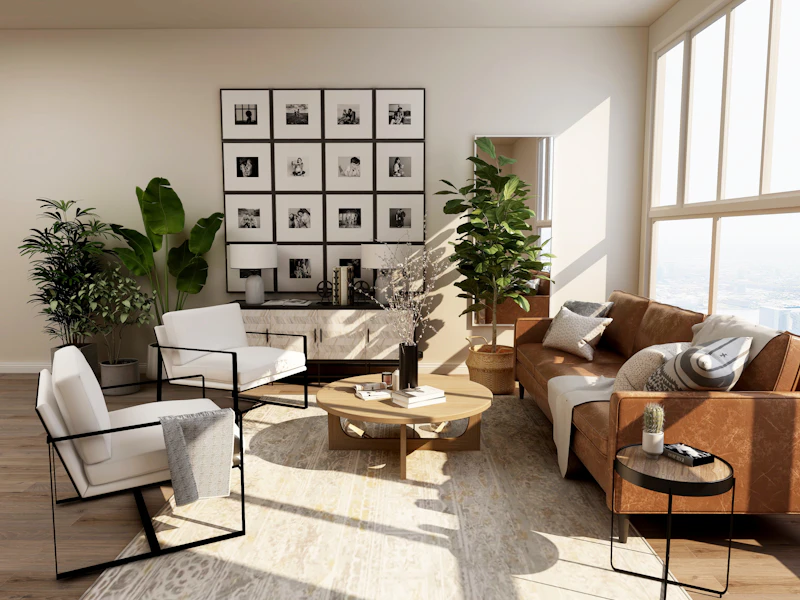 GuidesChatGPT vs an AI Room Designer: Which One Keeps Your Actual Room?ChatGPT can restyle a room photo, but windows move and sofas shrink. Here's when ChatGPT is enough, when a room designer is worth it, and how to check either.→
 GuidesHow to Plan a Kitchen Remodel with AI Before You Spend $27,000Step-by-step: photograph your kitchen, test cabinets, counters, backsplash, paint and floors with AI, then check the layout before contractors quote.→
Start with a Zillow link or a single photo. Redesign, stage, relight and walk buyers through every room, ready to list today.