Free
$0
No credit card needed
Try every live tool before you pay
- 30 credits on sign-up
- Every live design tool
- Redesign, stage and relight rooms
- Import Zillow listings
- Image, video and 3D models
- No credit card needed

A realistic realtor-style walk through your room.
Try Walkthrough Video free30 free credits · No card needed
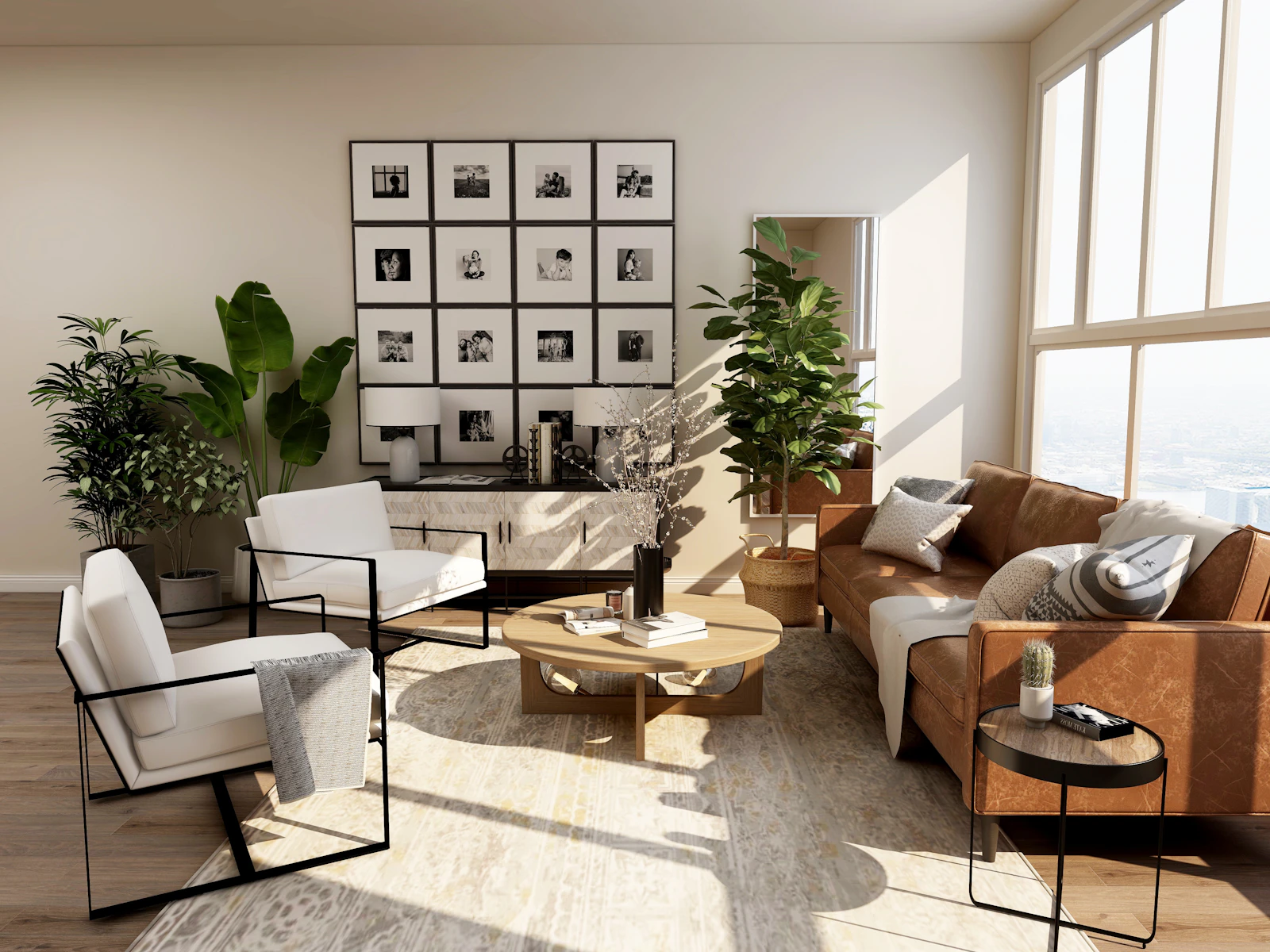
What it does
Walkthrough Video turns a single room photo into a smooth, realistic walk through that room, like a professional listing video. It renders in 720p or 1080p, and the camera stays inside what the photo shows unless you name a place to go.
Use cases
Add motion to a listing from the photos you already have.
Make short, scroll-friendly clips of a property for feeds and stories.
Show a proposed room moving, not as a still.
How it works
Walkthrough Video is 13 credits per render for a typical clip. Start free, then pick a plan.
$0
No credit card needed
Try every live tool before you pay
$49$44/mo
Billed monthlyBilled $529 yearly
About 90 room redesigns a month
What's included:
Recommended
$110$99/mo
Billed monthlyBilled $1,188 yearly
About 225 room redesigns a month
All Startup features, plus:
$499$449/mo
Billed monthlyBilled $5,389 yearly
About 1,250 room redesigns a month
All Pro features, plus:
FAQ
No. The tool is told to use only what your photo shows, to stay inside the room and to keep everything unchanged. It only goes somewhere else when you name the place, and only if the photo shows a way there.
From 4 to 15 seconds, in 720p or 1080p. Need more? Make it in 720p, then open the finished video on your canvas and use Extend to carry it on from the last frame for 2 to 10 more seconds, as a new longer clip. Your original stays as it is.
Yes. Turn on Realtor presenter and an AI agent walks into the room and talks to the camera, in their own voice. Write what they say, or leave it empty for a short welcome. Without it, the video is silent camera motion.
A walkthrough is priced by length and costs 13 credits, which is shown for a typical clip. Longer clips cost more. You start with 30 free credits.
Keep exploring
 27 credits · 8 s clipLighting ChangeWatch the light move: day to dusk and more.Open tool →17 credits · 5 s clipImage to VideoBring any photo to life with your own prompt.Open tool →
 2 creditsVirtual StagingFurnish an empty room so buyers can picture living there.Open tool →
 Real estateVideographer vs AI Listing Video: Is a $530 Shoot Still Worth It?A real estate videographer averages $530 for a one-minute video. AI tools turn listing photos into video for a few dollars. Here is when each one wins.→
 GuidesPinterest vs Houzz vs AI: Which One Shows Your Actual Room?Pinterest boards, Houzz ideabooks or an AI room designer? What each is good at, where each stops, and how to turn saved pins into a picture of your own room.→
 GuidesCountertop Visualizers Compared: Test Quartz Before a $4,500 SlabCambria, Caesarstone, MSI, Cosentino, real samples and AI compared: how to preview new countertops on your own kitchen before you buy a slab.→
Start with a Zillow link or a single photo. Redesign, stage, relight and walk buyers through every room, ready to list today.