Before You Spend $3,153 on Floors: 6 Flooring Visualizers Compared
Home Depot, Floor & Decor, Shaw, Mohawk, local Roomvo shops and AI compared: what each flooring visualizer does, what it costs and where it falls short.
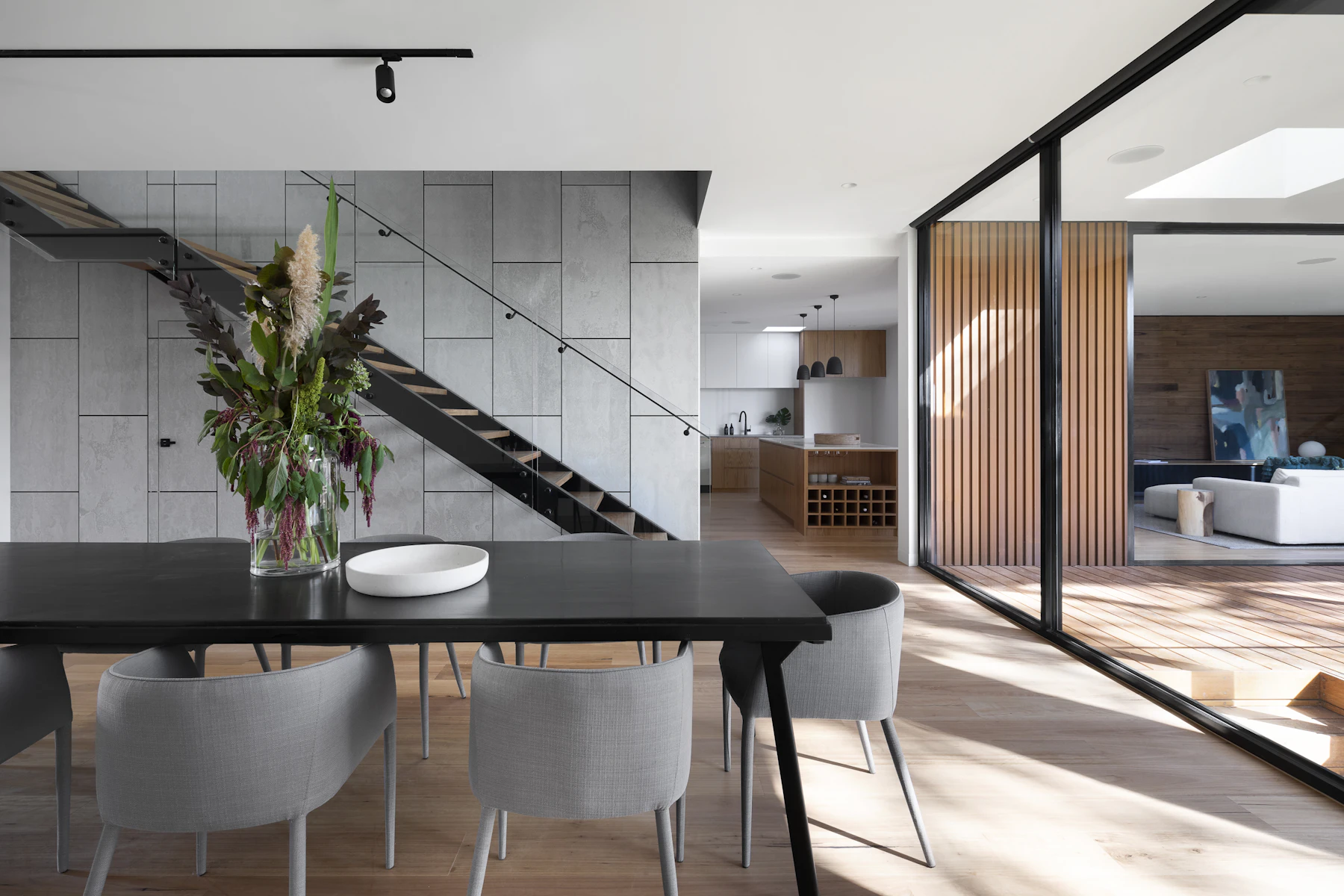
Picking a floor from a six-inch sample is a strange way to spend a few thousand dollars. You hold a plank against a showroom light, try to imagine it across your whole living room, and then live with the result for 15 years.
The money is real. Angi’s 2026 data puts the national average flooring installation at $3,153, based on 5,966 verified projects, with most homeowners paying between $1,528 and $4,850. Hardwood alone runs $6 to $25 per square foot installed. Add subfloor work and it climbs fast.
That’s why almost every flooring retailer now offers a visualizer: upload a photo of your room and see their floor in it. They’re free, and some are very good. But they all do the same thing in slightly different ways, and none of them answers the question you start with, which is “what kind of floor do I even want?”
I’m Daniel Htut, CEO of BasedFrame. We make AI tools that edit room photos, including a flooring tool, so I’m biased. I’ll keep this honest: below are six ways to see a new floor in your room before you buy, what each is good at, and where each one stops. Every fact links to where it came from.
What new floors actually cost
Before comparing tools, it helps to know what you’re protecting. Here’s Angi’s 2026 breakdown.
| Item | Cost (Angi, 2026) |
|---|---|
| National average installation | $3,153 |
| Typical range | $1,528 to $4,850 |
| Average per square foot | About $12.50 |
| 12x14 room (168 sq ft) | About $2,100 |
| 18x20 room (360 sq ft) | About $4,500 |
| Hardwood, installed | $6 to $25 per sq ft |
| Installation labor only | $0.60 to $4 per sq ft |
| Subfloor replacement | $3 to $10 per sq ft |
| Underlayment | $0.50 to $5.40 per sq ft |
Angi’s flooring calculator also notes that pros recommend buying 5% to 15% extra material for cuts, mistakes and future repairs. So a wrong color choice isn’t just disappointing. You’d be paying again for material, labor and removal.
Floors can pay some of that back. In NAR’s 2022 Remodeling Impact Report, Realtors estimated that refinishing hardwood floors recovered 147% of its cost at resale and new wood flooring recovered 118%. That only holds if buyers like what you picked.
The 6 options at a glance
| Option | Cost to use | Your own photo | Catalog | Best for |
|---|---|---|---|---|
| Home Depot Flooring Visualizer | Free | Yes, web and app | Home Depot’s | Shopping a huge range at big-box prices |
| Floor & Decor Visualizer | Free | Yes | Floor & Decor’s | Tile, stone and multi-surface projects |
| Shaw Floors View in Your Room | Free | Yes, no download | Shaw only | Shaw carpet, vinyl, hardwood and tile |
| Mohawk Room Visualizer | Free | Yes | Mohawk only | Mohawk shoppers who want free samples |
| Local retailer (Roomvo) | Free | Yes | That store’s stock | Buying from an independent dealer |
| AI flooring tool (BasedFrame) | 1 credit per render, 30 free credits | Yes | Any material you describe | Choosing the material and color before shopping |
1. Home Depot Flooring Visualizer
Home Depot’s tool is powered by Roomvo and works on homedepot.com and in its mobile app. You pick a product, click “See this in my room” on the product page, and upload a photo. Its Visualizer Enabled flooring category lists over 1,000 products across tile, vinyl, laminate, hardwood, carpet and rugs.
It’s popular. Home Depot said more than 1.5 million customers used the Flooring Visualizer in the year it announced it, and covers wall tile and area rugs too.
Good for: browsing a lot of real products you can add to a cart. Limits: you start from a product, not an idea, and only Home Depot’s catalog shows up.
2. Floor & Decor Visualizer
Floor & Decor’s visualizer lets you upload a room photo or pick a gallery room, mix and match products, then save, share or add them to your cart. Because Floor & Decor is a hard-surface specialist, it’s strongest on tile and stone.
There’s a useful extra: Floor & Decor offers free design consultations by appointment, and suggests bringing landscape photos of a clear, well-lit room plus rough measurements.
Good for: kitchens and bathrooms where floor, backsplash and wall tile have to work together. Limits: one retailer’s range.
3. Shaw Floors View in Your Room
Shaw’s View in Your Room tool runs in the browser on desktop or mobile, with nothing to download, and it’s free. You can rotate the install pattern and compare floors in the same photo. Shaw says your uploaded photo is used only for that session and isn’t saved or shared.
Shaw also publishes the most practical photo advice of any brand: use an image between 500KB and 5MB, shoot when the room is well lit, and in furnished rooms make sure the floor fills about two thirds of the frame.
Good for: shoppers already leaning toward Shaw. Limits: Shaw products only.
4. Mohawk Room Visualizer
Mohawk’s visualizer is also built on Roomvo. Roomvo describes it as a way for shoppers to preview floors, rugs, countertops, wall coverings and paint in a photo of their own home. In that same piece, a Mohawk ecommerce director explains the point: with wood and laminate, you want to see the variation across a whole floor, not a six-by-six-inch sample.
Mohawk pairs it with up to six free samples, ordered through an account and a local Mohawk retailer.
Good for: narrowing to a few Mohawk products, then getting samples free. Limits: Mohawk’s catalog only.
5. Your local flooring store’s visualizer
If you’d rather buy from an independent dealer, check their website first. Roomvo says its visualizer is used by more than 7,000 flooring dealers, and it offers a free version for independent retailers. Shoppers can upload a photo or use a demo room, compare products side by side and change size or pattern.
Good for: seeing exactly what that store stocks before you visit. Limits: quality and range depend on what the dealer set up.
6. An AI flooring tool
All five tools above share one design: they’re sales tools. You pick their product first, and they map its texture onto the floor in your photo. That’s great once you know you want, say, a mid-tone oak luxury vinyl. It’s less helpful when you’re still deciding between oak, tile and carpet, or wondering whether a lighter floor fixes a dark room.
That’s where AI is different. Flooring Swap in BasedFrame takes your photo and a plain description, like “wide white oak planks, matte,” “black and white checkerboard tile” or “light gray wool carpet,” and re-renders only the floor with the right perspective, plank or tile scale and shadows under furniture. It costs 1 credit per render. If the floor is the start of a bigger change, Room Redesign restyles the whole room around it for 2 credits.
Good for: deciding the material, tone and pattern before you shop, and seeing it with your own furniture. Limits: it shows a look, not a specific SKU. Take the direction you like to a retailer visualizer to match a real product, then order samples.
How to use them together
The best approach isn’t picking one tool. It’s using them in order.
- Take a good photo. Shoot from standing height with the phone level, every light on and the floor clear of rugs and clutter. Our guide to taking photos with your phone covers framing in more detail. If the room is packed, Empty the Room clears furniture so you can see more floor.
- Pick a direction with AI. Try four or five materials and tones in Flooring Swap. Notice what you keep liking.
- Match real products. Take that direction to Home Depot, Floor & Decor, Shaw, Mohawk or your local store and try their closest products on the same photo.
- Order samples. Tape the finalists down and look at them morning, afternoon and evening.
- Measure and quote. Calculate square footage, add 5% to 15% extra, and get itemized quotes that include removal, subfloor and underlayment.
If flooring is part of a bigger project, the same process sits inside our guides to planning a kitchen remodel with AI and redesigning a bedroom with AI.
What a visualizer can’t tell you
| Question | Visualizer helps? | What to do instead |
|---|---|---|
| Which material and color suit the room | Yes | Compare several renders on the same photo |
| How a specific product looks | Yes, with retailer tools | Order a physical sample |
| Texture, sheen and feel underfoot | No | Walk on samples barefoot |
| Look at night under your own bulbs | Partly | Check samples in evening light |
| Whether the subfloor is sound | No | Have an installer inspect it |
| Total cost | No | Get itemized quotes |
Try it on your own floor
If you want to see a few floor directions tonight, create a free BasedFrame account. You get 30 free credits with no card, which covers a lot of floor experiments. If you use it often, pricing starts with the Startup plan at $49 a month for 180 credits.
Decide on the look on screen, confirm the product with a sample, then spend the $3,153.
Sources
- Angi, How Much Does Flooring Installation Cost? (2026 data), updated October 9, 2026 (national average, range, per square foot and room size costs, hardwood, labor, subfloor, underlayment).
- Angi, How Much Flooring Do I Need (5% to 15% extra material).
- National Association of Realtors, 2022 Remodeling Impact Report (cost recovery for refinished and new wood floors).
- The Home Depot, Visualizer Enabled flooring and Flooring Visualizer announcement.
- Floor & Decor, Visualizer and Design Consultation.
- Shaw Floors, View Flooring in Your Room (photo tips, privacy, pricing).
- Mohawk Flooring, free samples.
- Roomvo, flooring visualizer for retailers, Roomvo Assistant and Seeing is believing.
Frequently asked questions
How much does new flooring cost in 2026?
Angi's 2026 data puts the national average flooring installation at $3,153, based on 5,966 verified projects, with most homeowners paying $1,528 to $4,850. Angi estimates about $12.50 per square foot overall, hardwood at $6 to $25 per square foot, and installation labor alone at $0.60 to $4 per square foot. Subfloor replacement and underlayment are extra.
Are flooring visualizers free?
The retailer and brand visualizers covered here are free to use. Home Depot, Floor & Decor, Shaw and Mohawk all let you upload a photo of your room without paying. The catch is that each one only shows that company's own catalog, because the tool exists to sell you their floors.
Which flooring visualizer is the most realistic?
It depends more on your photo than the tool. Shaw recommends a well-lit photo between 500KB and 5MB where the floor fills about two thirds of the frame in furnished rooms. Retailer tools map a real product texture onto the floor plane, which keeps the product accurate. AI tools re-render the whole floor with lighting and shadows, which often looks more natural but isn't tied to a specific SKU.
Can I see flooring in my room without a specific brand?
Yes. An AI tool like BasedFrame's Flooring Swap lets you describe any material, such as wide white oak planks, terrazzo, herringbone or a light carpet, and renders it into your photo. It's useful for deciding on a material and color direction before you shop. Then use a retailer's visualizer to check the exact product.
Do I still need physical flooring samples?
Yes. A screen can't show texture, sheen, or how a floor looks at night under your own bulbs. Mohawk offers up to six free samples through a local retailer. Tape your shortlist down in the room and look at it in morning, afternoon and evening light before you order.
How much does it cost to try floors with BasedFrame?
Flooring Swap costs 1 credit per render and Room Redesign costs 2. New accounts get 30 free credits with no card, and the Startup plan is $49 a month for 180 credits.
Try it yourself
Tools from this guide
 1 creditFlooring SwapPreview oak, terrazzo, tile or carpet underfoot.Open tool →
 2 creditsRoom RedesignRestyle any room photo in a new design style.Open tool →
 1 creditEmpty the RoomRemove furniture and clutter to reveal the bare space.Open tool →
 2 creditsFurniture SwapDrop a real product into your room from its photo.Open tool →
 1 creditWalls & PaintTry paint colours, wallpaper and panelling.Open tool →
More from Resources
Keep reading
GuidesHow to Furnish a Small Apartment with AI Before You Buy a SofaThe average new studio is 460 sq ft. Here's how to photograph your small apartment, test layouts and furniture with AI, and buy pieces that actually fit.→
GuidesBefore You Spend $3,178 on Exterior Paint: 6 Visualizers ComparedColorSnap, Behr, Hover, Hardie Designer, real samples and AI compared: how to preview your house color before a $3,178 exterior paint job.→
