Pricing

Redesign, stage, relight and animate rooms from one photo. Every plan starts with 30 free credits.

Free

$0

No credit card needed

Try every live tool before you pay

  • 30 credits on sign-up
  • Every live design tool
  • Image, video and 3D models
Start free

Startup

$49$44/mo

Billed monthlyBilled $529 yearly

For agents and designers getting their first listings and rooms done.

  • About 90 room redesigns a month
  • 180 AI credits/month
  • Every live design tool
  • 12 design styles and custom prompts
  • Automatic model routing for each render
  • Full-resolution downloads
  • Unlimited project history
Get Startup

Studio

$499$449/mo

Billed monthlyBilled $5,389 yearly

Everything in Pro, plus

  • About 1,250 room redesigns a month
  • 2,500 AI credits/month
  • Onboarding call with the team
Get Studio

30 free credits get you 15 room redesigns, or 30 relights, or 3 five-second walkthrough videos.

Credits

What each render costs.

Prices are per render. Video is priced by length, so the clip length is shown. Failed or timed-out jobs are refunded automatically.

ToolWhat it doesCredits
Day to DuskTwilight exteriors that make listings stand out.1Empty the RoomRemove furniture and clutter to reveal the bare space.1Enhance PhotoFix exposure, verticals and detail on listing photos.1Flooring SwapPreview oak, terrazzo, tile or carpet underfoot.1Image to LineartClean architectural line drawing from any photo.1Image to Material IDFlat colour map with one colour per material.1Listing RemodelImport a Zillow listing and change any finish in any room.1Magic EditDescribe a change and watch it happen.1RelightGolden hour, overcast or evening in one click.1Walls & PaintTry paint colours, wallpaper and panelling.1Background GeneratorPut a product photo into a styled room scene.2Exterior RedesignReimagine a facade, cladding and entrance.2Furniture SwapDrop a real product into your room from its photo.2Garden & LandscapePlan planting, paving and outdoor living.2Generate AnglesRe-shoot the same room from a new camera angle.2Generate PeopleAdd natural, to-scale people to a render.2Lighting TransferMatch the light and mood of a reference photo.2Room RedesignRestyle any room photo in a new design style.2Text to RoomStart from a sentence. Get a whole space.2View ExtenderWiden the shot beyond the edges of the photo.2Virtual StagingFurnish an empty room so buyers can picture living there.2Moodboard to RoomBring a collage of pieces together in your space.3Sketch to RenderTurn a sketch or SketchUp view into a photoreal render.3Style TransferApply the look of a reference photo to your room.3Image to 3DTurn a photo of a single furniture item into a 3D model.43D modelRoom to 3DTurn a whole room photo into a 3D cutaway model you can orbit.63D modelWalkthrough VideoA realistic realtor-style walk through your room.138 s clipImage to VideoBring any photo to life with your own prompt.175 s clipLighting ChangeWatch the light move: day to dusk and more.278 s clipSketch to Render VideoA sketch comes to life as a finished render.278 s clipEmpty to FurnishedAn empty room furnishes itself from nothing.3410 s clip

Image and video model choice can change the price: see the Model picker in the canvas.

FAQ

Frequently asked questions

What counts as a credit?

Credits pay for renders. A room redesign is 2 credits and a quick edit like relighting is 1. Video is priced by length and 3D models cost more, so the list above shows every tool. A credit is only spent when a render succeeds: failed or timed-out jobs are refunded automatically.

Do unused credits roll over?

Yes. Credits you haven't used stay in your balance, and each renewal adds your plan's credits on top.

Can I upgrade or downgrade anytime?

Yes. Change plan from Settings, under Plans and billing. The change is handled by Stripe, which prorates it for you.

Do you offer a free trial?

Every new account gets 30 free credits, enough to try every tool. No credit card required.

Can I cancel anytime?

Yes. Cancel from Settings, under Plans and billing. You keep your plan and credits until the end of the period you've paid for, and you won't be charged again.

Can I use the results commercially?

Yes. Images, videos and 3D models you create are yours to use in listings, client presentations, portfolios and social posts.
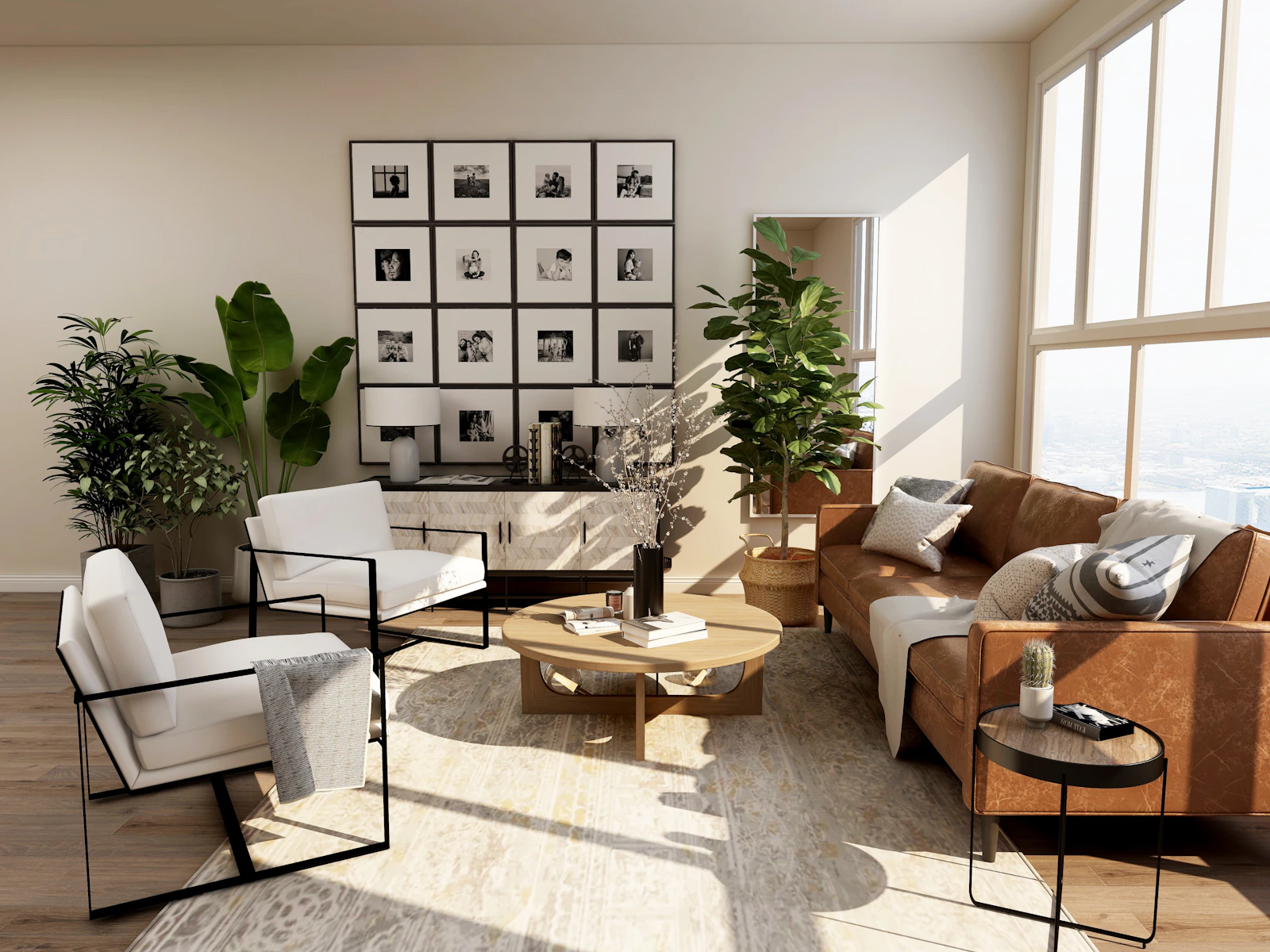
Turn any listing
into rooms that sell

Start with a Zillow link or a single photo. Redesign, stage, relight and walk buyers through every room, ready to list today.